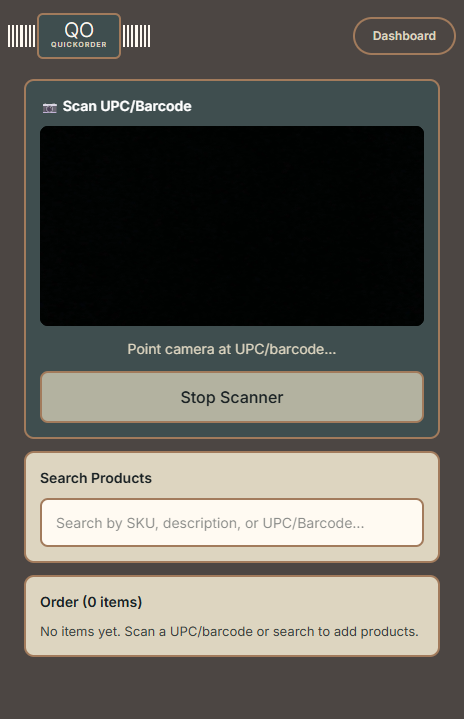
Open QuickOrder on your phone and tap Start Scanner. Aim at any product barcode and it reads instantly. No app to download.
Don't have a barcode handy? You can also search by SKU or description.
↓
Click to enlarge
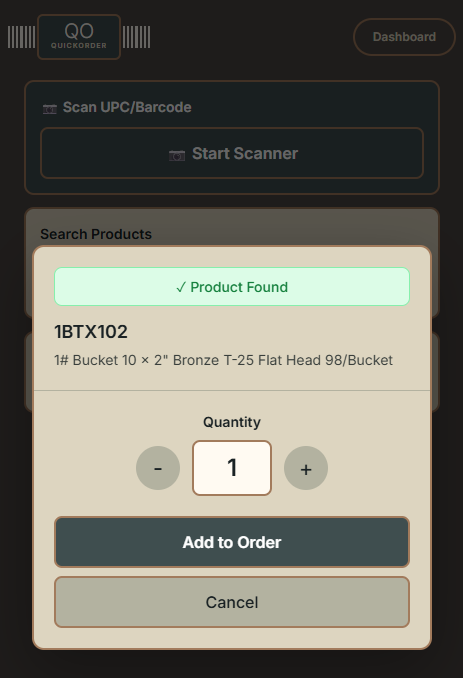
Step 2 — Found
Product matched instantly
The barcode matches to your catalog in real time. SKU, full description, and a quantity selector — ready to add with one tap.
↓
Click to enlarge
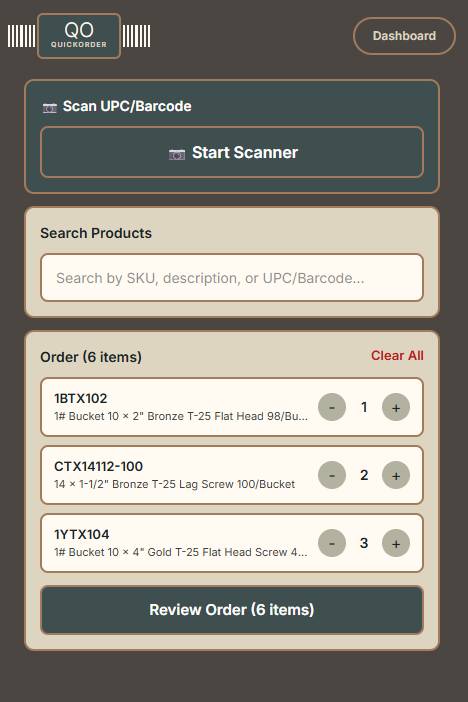
Step 3 — Build
Your order takes shape
Keep scanning. Each product stacks in your order with adjustable quantities. Walk the shelf, scan as you go — the order builds itself.
↓
Click to enlarge
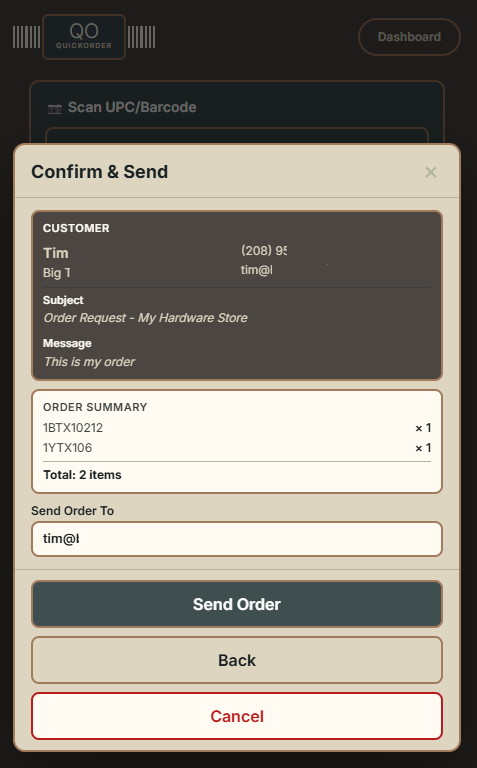
Step 4 — Review
Confirm and send
Customer name, company, phone — all captured. Full order summary with every item and quantity. One button to send it.
↓
Click to enlarge
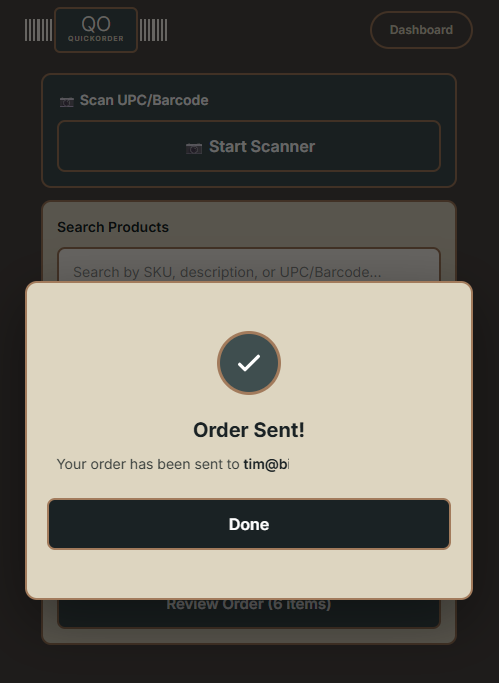
Done
Order delivered. That's it.
The formatted order hits the inbox instantly — with an Excel attachment, ready to process. Tailor the template to drop straight into your ERP. No phone calls. No voicemails. No waiting.